
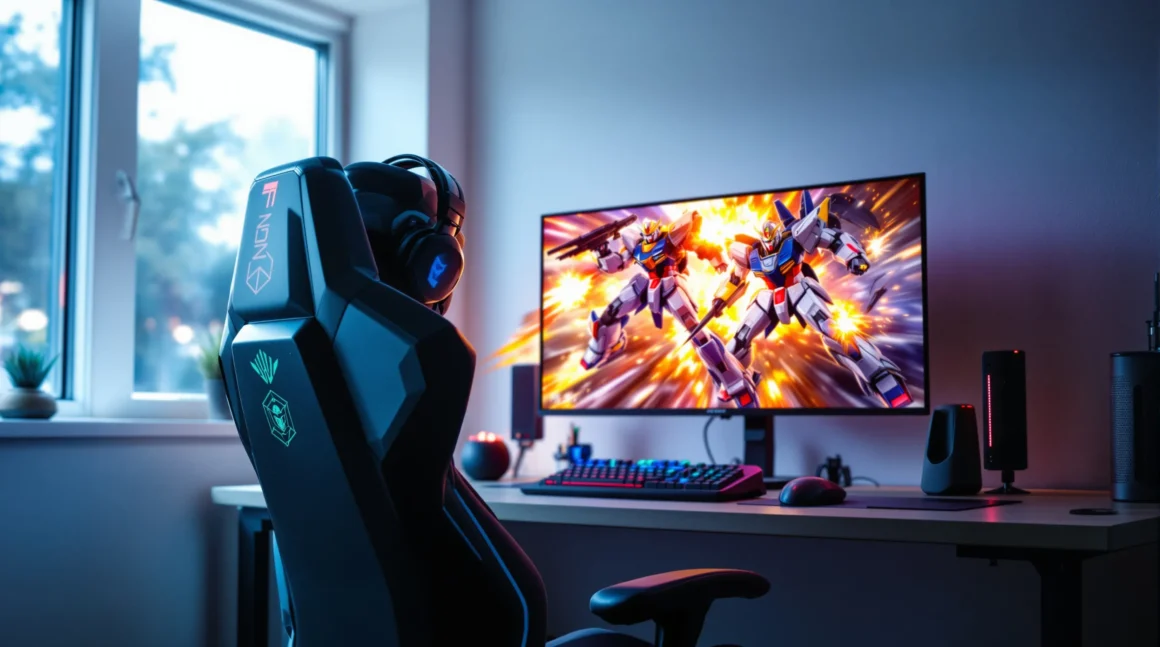
Picture this: You’re hunched over your desk at 2 a.m., hands trembling with excitement as you power up your custom Gundam PC. Neon lights pulse through a case shaped like RX-78-2’s helmet. The fans whir like a mobile suit ready for launch. You’re not just booting up Windows—you’re stepping into your own cockpit. If you’ve ever dreamed of merging your love for Gundam with your passion for PCs, you’re in the right place. This guide will show you how to build, buy, or upgrade a Gundam PC that turns heads and sparks joy every time you hit the power button.
What Is a Gundam PC?
A Gundam PC is a computer that draws inspiration from the iconic Mobile Suit Gundam franchise. It’s not just about slapping a sticker on your case. We’re talking about custom cases shaped like mobile suits, RGB lighting that mimics beam sabers, and hardware that pays tribute to your favorite pilots. Some fans go all out, building PCs that look like Zaku heads or even entire dioramas. Others keep it subtle with themed peripherals and color schemes. If you want your setup to scream “Newtype,” a Gundam PC is the way to do it.
Why Build a Gundam PC?
Let’s be honest: regular PCs can feel a little soulless. A Gundam PC, on the other hand, is a statement. It’s a tribute to decades of anime history and a way to bring your fandom into your daily life. Plus, it’s a conversation starter. Friends will ask, “Did you really build that?” and you’ll get to say, “Yes, and here’s how.” If you’ve ever felt your workspace lacked personality, a Gundam PC fixes that in a flash.
Who Should Build a Gundam PC?
If you love Gundam, enjoy tinkering, and want a PC that stands out, this is for you. Maybe you’re a gamer who wants a rig as powerful as a Gundam. Maybe you’re a collector who wants every piece of your setup to match. Or maybe you just want to smile every time you sit down at your desk. If you hate attention or prefer minimalist setups, a Gundam PC might not be your style. But if you want your desk to feel like a hangar bay, keep reading.
Types of Gundam PC Builds
1. Full Custom Cases
Some fans go all in, building cases that look like mobile suits. Think Zaku heads with glowing mono-eyes or RX-78-2 torsos with working vents. These builds take time, money, and a lot of patience. You’ll need tools, paint, and sometimes 3D printing skills. But the payoff? A one-of-a-kind Gundam PC that’s pure art.
2. Themed Components
Not ready to build a case from scratch? No problem. Several brands have released official Gundam PC parts. ASUS, for example, launched a Gundam-themed motherboard, graphics card, and even RAM. These parts feature color schemes and logos straight from the anime. Pair them with a matching case and peripherals, and you’ve got a setup that’s both stylish and practical.
3. DIY Mods and Accessories
Maybe you want to start small. You can add Gundam decals, custom keycaps, or even a model kit display inside your case. Some fans use 3D-printed parts to add details like vents or antennas. Others swap out RGB lighting for colors that match their favorite mobile suit. The beauty of a Gundam PC is that you can go as big or as subtle as you want.
How to Build Your Own Gundam PC
Ready to get started? Here’s a step-by-step plan:
- Pick Your Inspiration: Choose a mobile suit or series that speaks to you. RX-78-2 is classic, but maybe you love Char’s red Zaku or the sleek look of Gundam Exia.
- Choose Your Case: Look for cases with clean lines and plenty of room for mods. Some companies offer official Gundam PC cases, but you can also start with a blank slate and customize it yourself.
- Select Components: Decide if you want official Gundam PC parts or standard hardware. Focus on performance first—no one wants a slow Gundam.
- Plan Your Mods: Will you paint the case? Add decals? Install custom lighting? Sketch your ideas before you start cutting or gluing.
- Assemble and Test: Build your PC like any other, but take extra care with custom parts. Test everything before sealing up the case.
- Add Finishing Touches: Place model kits, figures, or even a tiny Haro inside your case. Set your RGB to match your favorite mobile suit’s colors.
Here’s the part nobody tells you: mistakes will happen. Paint might drip, decals might wrinkle, and you’ll probably cut yourself at least once. That’s normal. Every scratch and smudge tells a story. Your Gundam PC doesn’t have to be perfect—it just has to be yours.
Where to Find Gundam PC Parts
Official Gundam PC parts can be hard to find. ASUS’s Gundam collaboration sold out fast, but you can sometimes find parts on eBay or specialty PC shops. For custom mods, check out 3D printing communities or Etsy for unique pieces. Decals and stickers are everywhere—just search for “Gundam PC decals.” If you want to go big, some modders take commissions for full custom cases. Just be ready to pay for the craftsmanship.
Gundam PC Setups: Real Examples
Let’s look at what real fans have built:
- RX-78-2 Case Mod: A builder in Japan spent six months crafting a case that looks like the original Gundam’s head, complete with glowing eyes and a moving faceplate.
- Char’s Zaku Red Build: A fan in California painted every component red, added a mono-eye LED, and even installed a custom soundboard that plays Char’s theme on boot.
- Gundam Exia Watercooling: One modder used blue coolant and clear tubing to mimic Exia’s GN Drives, with LED accents that pulse in sync with the fans.
Each of these Gundam PC builds started with a simple idea: “What if my computer looked like my favorite mobile suit?” The rest was trial, error, and a lot of late nights.
Tips for Maintaining Your Gundam PC
Once you’ve built your Gundam PC, you’ll want to keep it looking and running great. Here’s how:
- Dust regularly—custom cases attract dust like a colony attracts Zeon forces.
- Check your paint and decals for chips. Touch up as needed.
- Keep your RGB software updated to avoid glitches.
- If you use water cooling, check for leaks every few months.
- Show it off! Post photos online and connect with other Gundam PC fans.
Here’s why this matters: a Gundam PC isn’t just a machine. It’s a living project. Every upgrade, every tweak, every new model kit you add keeps it fresh and exciting.
Common Mistakes and Lessons Learned
I’ll be honest: my first Gundam PC was a mess. I rushed the paint job, glued a model kit to the case, and fried a motherboard by forgetting to ground myself. If you’re starting out, take your time. Plan your mods, test your hardware, and don’t be afraid to ask for help. The Gundam PC community is full of people who’ve made every mistake in the book—and they’re happy to share what they’ve learned.
Is a Gundam PC Worth It?
If you want a PC that’s more than just a tool, a Gundam PC is worth every minute and dollar. It’s a way to bring your favorite universe into your daily life. It’s a project that teaches patience, creativity, and problem-solving. And it’s a reminder that your desk can be as fun and inspiring as you want it to be.
Next Steps: Start Your Gundam PC Journey
If you’ve read this far, you’re probably itching to start your own Gundam PC build. Here’s what to do next: pick your favorite mobile suit, sketch your dream setup, and start gathering parts. Don’t worry about perfection. The best Gundam PCs are the ones that reflect your passion and personality. And if you ever get stuck, remember—every Newtype started as a rookie. Suit up, and make your Gundam PC a reality.